The Viewfinder Is Not the Lens: Seeing Parallax in Close Framing
A separate viewfinder sees from a different position than the taking lens. At close range, that difference can shift the edges of a composition—and what the lens records depends on the camera’s design.
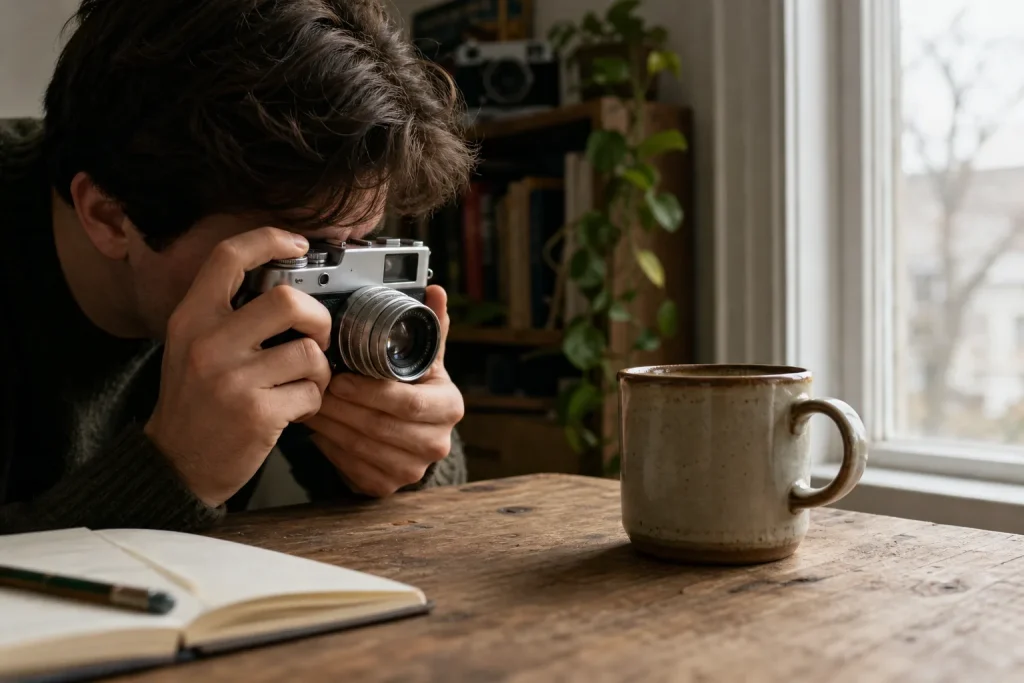
You crouch beside a ceramic mug, bring a compact film camera to your eye, and center the handle in the bright frame. The negative comes back with the handle nudged toward the edge and a sliver of tabletop missing. Nothing slipped inside the camera: you saw the scene from one place, while the lens recorded it from another.
That mismatch is parallax. It is a small bit of camera geometry with a practical consequence: the closer the subject, the more carefully the framing deserves attention.
Two lines of sight
In a rangefinder or another camera with a separate optical viewfinder, the finder and taking lens have different viewpoints. Each has its own line of sight. For a distant building, those lines are nearly parallel, so the difference in viewpoint barely changes the apparent framing. Move close to a flower, cup, or portrait, and the viewpoints diverge more noticeably.
The viewfinder does not show an image delivered through the taking lens. It gives you a preview from another position. The camera therefore cannot make near objects line up exactly as they appear in the taking-lens image, although some finder designs compensate for this difference.
Parallax is not the same as a lens focusing problem. Focus concerns which distance appears sharp on the film; parallax concerns where the edges and objects fall in the frame. A close subject can be sharply focused and still sit differently in the photograph than it did in the finder.
Shifts depend on design
The taking lens may sit above, below, or to one side of the viewfinder, depending on the camera. Some designs place the finder near the lens, while others use moving frame lines or another form of correction. There is no single direction in which the image must shift. The effect depends on the camera’s layout, the subject distance, and the way its finder handles parallax.
Foreground objects can shift relative to the background because the two viewpoints are separated. Look for details near a boundary: a fingertip touching the edge of a picture, a flower head just inside the frame, or the top of a child’s head beneath a row of leaves. Those are the details most likely to be clipped or awkwardly crowded.
A more distant background can make the discrepancy easier to notice: a nearby subject and a far wall do not appear to shift in the same way when viewed from different positions. Do not assume that a correction that works for one camera will help with another.
Read the frame lines
Many viewfinders mark the intended picture area with a bright rectangle or paired frame lines. Some cameras adjust those marks as you focus closer; others leave them fixed or provide only a rough guide. Treat the markings as useful guidance, not as a promise that every close composition will land precisely on the film.
Check your camera’s manual for its close-focus guidance. It may show a corrected frame, an alternate mark, or a recommended way to aim. If the bright lines move as you focus, notice when they shift: that movement is one way the camera compensates for the difference in viewpoint.
If the frame lines do not move, leave breathing room around important edges. That margin is especially useful when a subject must remain fully visible, such as a hand holding a small object or a flower with a delicate stem.
Adjust with room
When a close composition feels tight, step back slightly if the scene allows, then recompose. Greater distance usually makes the viewpoint difference less conspicuous. You can keep the wider composition or crop later, depending on the intended use and your printing or scanning habits.
Moving the camera sideways changes the relationship between the foreground subject and the background. It can improve the composition, but it does not erase parallax: the finder and lens still occupy separate positions. Keep the camera steady while comparing the edges, and do not treat a quick tilt as a reliable correction.
Say you are photographing a teaspoon beside a teacup, with the spoon’s tip close to the lower-right edge of the finder. You step back a little, keep the camera level, and recompose with more space around the spoon. The expected result is a less cramped frame that is less vulnerable to clipping, though the finder and lens may still differ.
Check the borders
For nearby subjects, scan the borders before pressing the shutter. Check each side, especially where a foreground object crosses a background line. A railing, tabletop edge, or picture frame can make a small shift easy to spot because straight lines reveal misalignment.
Use these checks to decide what to do next:
- Check whether your camera’s manual describes close-range correction. If it gives a specific aiming method, follow it; if it does not, leave extra margin around important details.
- Check whether the finder’s frame lines move as you focus closer. If they move, compose using their corrected position; if they stay fixed, avoid placing essential details right against the frame.
- Check whether a face, flower, or object touches the finder border. If it does, step back or recompose with more room; if it does not, keep the framing and continue scanning.
- Check whether a straight background line meets a foreground object near the edge. If the overlap looks awkward, shift your position and check the composition again; if it looks clean, keep your position.
- Check for bright or distracting details just outside the finder’s frame. If one could spoil the image, change your position or simplify the background; if the surrounding scene is quiet, proceed.
- Check whether you have turned the camera from horizontal to vertical. If you have, reassess every edge because the finder-to-lens offset now relates differently to the scene; if you have not, use the framing guidance you already confirmed for that orientation.
Keep the camera in the same orientation while making a final check. Turning it sideways changes how the finder-to-lens offset relates to the scene, so a correction remembered from a horizontal photograph may not transfer neatly to a vertical one.
Know when to stop
Parallax matters most when a nearby subject fills much of the frame or precise borders are essential. For a loose photograph of a market stall, slight edge variation may not matter. For a close portrait with a hand near the frame, or a small object against a clean background, a careful glance can prevent an unintended crop.
It is not worth calculating a geometric correction for every snapshot. Without a camera-specific guide and a stable way to judge distance, mental arithmetic can distract more than it helps. Learn how your own finder behaves by checking the manual and paying attention to recurring patterns in your negatives; use sensible margins when the framing is critical.
A separate viewfinder remains a fast, direct way to compose. At close range, it is a neighbor of the lens, not its eye. Give the edges a moment of attention, especially where foreground details meet the frame, and let your camera’s own correction—or a little extra room—guide the final composition.
Frames in the same light
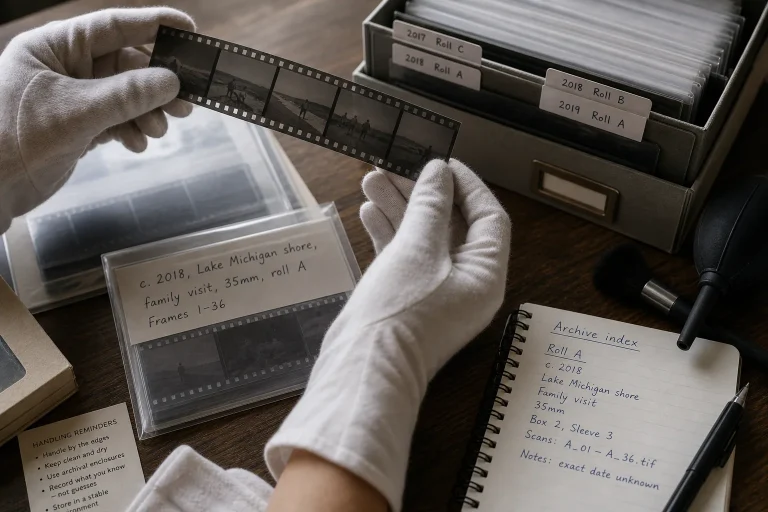
Sleeves, Labels, and the Long Life of a Negative
A clear labeling and storage routine makes film negatives easier to identify, handle, and revisit. Learn…
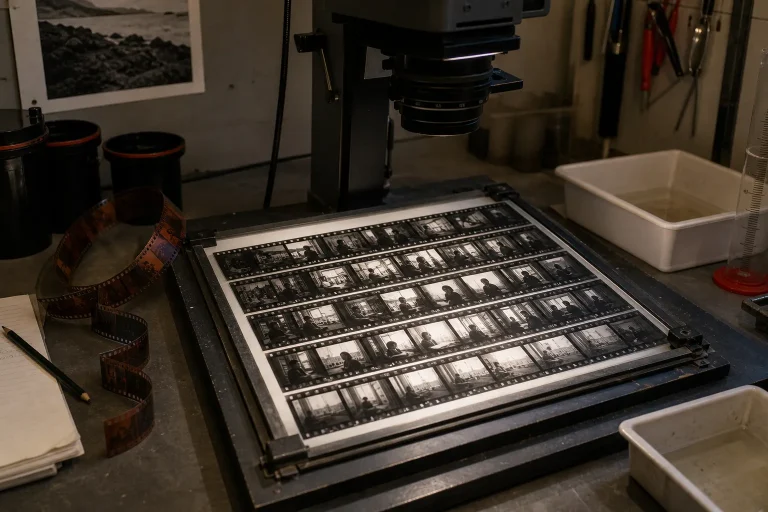
Contact Sheets as a Map of a Roll
A contact sheet turns a strip of negatives into a readable sequence, helping you compare frames,…